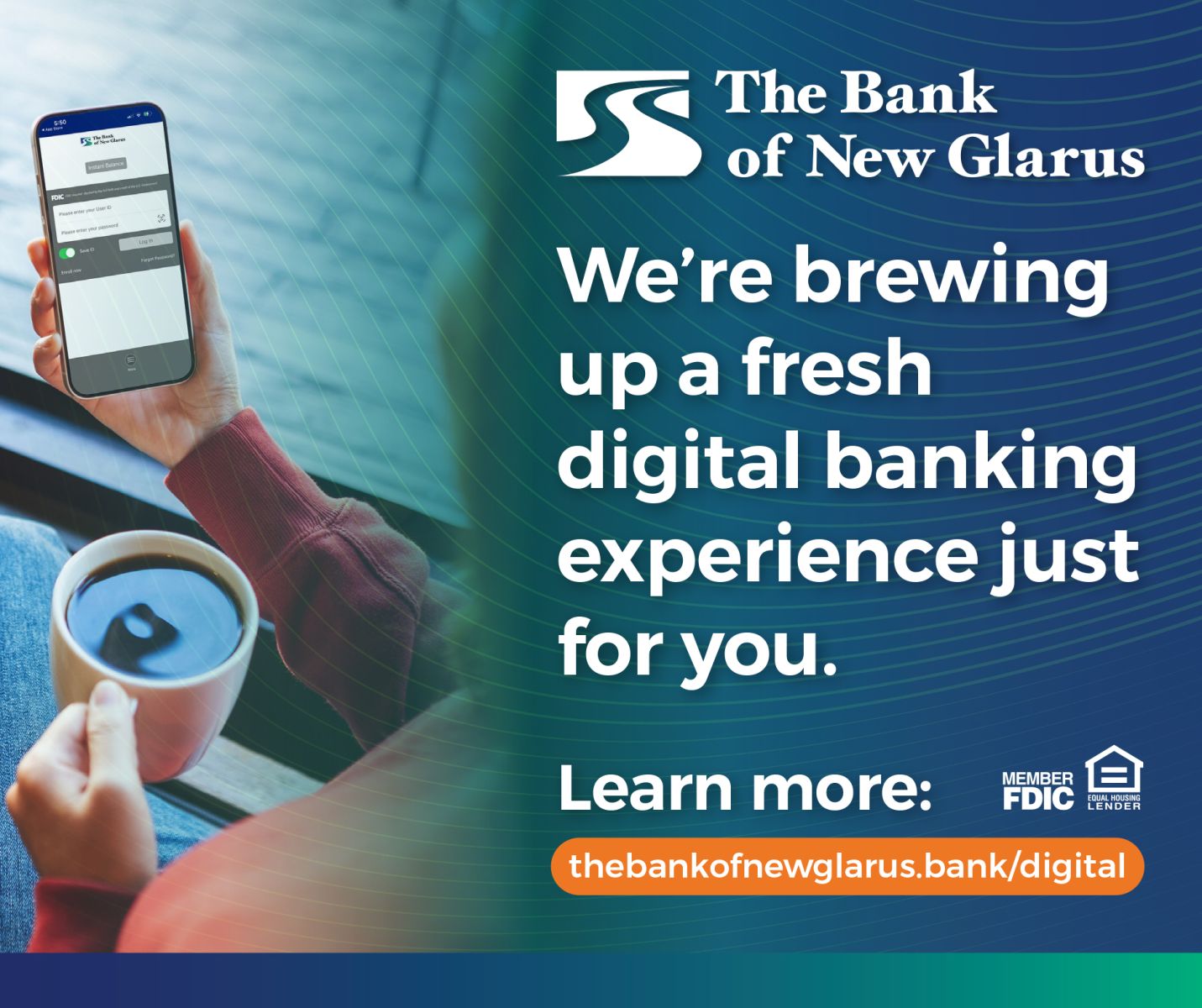
Configure Digital
Beginning June 10th, you will experience a convenient and fresh look to your online and mobile banking! Configure Digital will offer users a simple, guided digital experience, making use of your online and mobile banking faster and easier—whether you’re customizing features, or submitting information securely online, this fresh convenient digital experience is sure to make banking with us even easier! Features available include:
Available Features:
- Statements
- History
Tax documents (located under Profile)
Current balances
Check images and deposit images (including offset items such as transit checks
Important Online Banking Updates:
Beginning June 8
The following services will be temporarily unavailable:
- Bill Pay
- External Funds Transfers
- Zelle®
Additional changes:
- Consumer Online Banking will be in Read-Only mode starting at 6:00 PM. Internal transfers will not be available.
- Business Online Banking will be disabled.
- New Online Banking enrollments will begin again on June 10.
Beginning June 10 – Access Resumes
Consumer Online Banking
- Customers can log in using their existing username and password.
- Mobile banking users will be prompted to update their mobile app.
Business Online Banking
- Business customers can log in using their existing credentials.
- Business mobile users should:
- Delete the BNG Business Mobile app.
- Download and begin using the BNG Mobile app
⇒TIP⇒ Before June 10, make sure you know your username and password so you can log in smoothly to the updated online and mobile banking experience.
If you notice any issues or have questions, please contact us: 608-527-5205